


A well-designed wireless printer buying guide can assist you in comparing various options and identifying the features that best suit your printing needs. With so many wireless printer models available, it can be challenging to determine which one offers the best combination of performance, functionality, and value. Instead of concentrating only on the purchase price, it’s important to consider factors like print quality, wireless connectivity, print speed, operating costs, and ease of use. Modern wireless printers offer the convenience of cable-free printing and support a variety of wireless technologies that simplify and improve printing. While some models are made to provide outstanding colour accuracy or sophisticated printing capabilities, others prioritise quick document printing. In daily use, features like multi-device compatibility, mobile printing support, and automatic duplex printing can also have a big impact. You can avoid needless expenses and select a printer that fulfils your needs by taking the time to compare these features before making a purchase. To make your decision easier, this wireless printer buying guide explains how to select a wireless printer, highlights key features to look for, and offers helpful buying advice. You will have the information and self-assurance necessary to select a wireless printer that offers dependable performance and long-term value by the time you finish this guide.
Why Choose a Wireless Printer?
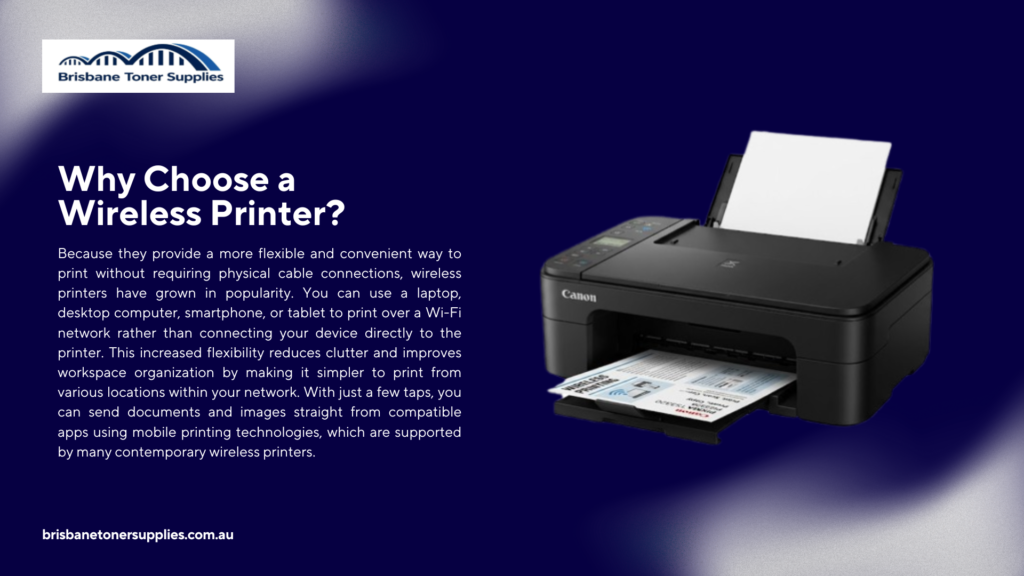
Because they provide a more flexible and convenient way to print without requiring physical cable connections, wireless printers have grown in popularity. You can use a laptop, desktop computer, smartphone, or tablet to print over a Wi-Fi network rather than connecting your device directly to the printer. This increased flexibility reduces clutter and improves workspace organization by making it simpler to print from various locations within your network. With just a few taps, you can send documents and images straight from compatible apps using mobile printing technologies, which are supported by many contemporary wireless printers. Wireless printers are made with features that increase productivity in addition to convenience, like quick setup, dependable connectivity, and support for numerous users on the same network. They come in a variety of models, so it’s simple to find one that suits various printing requirements, tastes, and price ranges. Selecting the appropriate wireless printer can enhance your overall printing experience and minimise needless hassle, regardless of how frequently you print. You can make sure you’re investing in a printer that will fulfil your needs over time by comparing key features before making a purchase. It is simpler to determine which features are most valuable when you know what makes wireless printers different from conventional wired models. With the correct information, you can select a wireless printer with confidence that meets your needs for convenience, performance, and dependability.
How to Choose a Wireless Printer
The first step in selecting a wireless printer is figuring out how you want to use it and what features are most important for your printing requirements. Consider how frequently you’ll print, whether you’ll primarily print documents or photos, and whether you’ll be connecting one device or several before comparing various models. Narrowing down your options can also be aided by setting a reasonable budget, but it’s crucial to take into account recurring expenses like ink or toner replacements in addition to the initial purchase price. Additionally, since wireless printers typically come in inkjet and laser models, each with unique advantages, you should compare the printing technology used. While laser wireless printers are usually better suited for producing crisp text and managing higher print volumes, inkjet wireless printers are frequently chosen for vivid colour prints and photos. Verifying the printer’s wireless connectivity options, such as Wi-Fi, Wi-Fi Direct, and compatibility with mobile printing features, is another crucial consideration. You can find a printer that meets your needs by looking at print quality, print speed, and extra features like automatic duplex printing. Think about whether an all-in-one wireless printer with scanning and copying features would be more cost-effective if you require more than just printing. Finding the best option without having to pay for features you won’t use can be made easier by reading product specifications and comparing features side by side. You can choose a wireless printer that offers the ideal balance of performance, convenience, and long-term value with confidence if you consider these important factors before making a purchase.
Wireless Printer Features to Look For
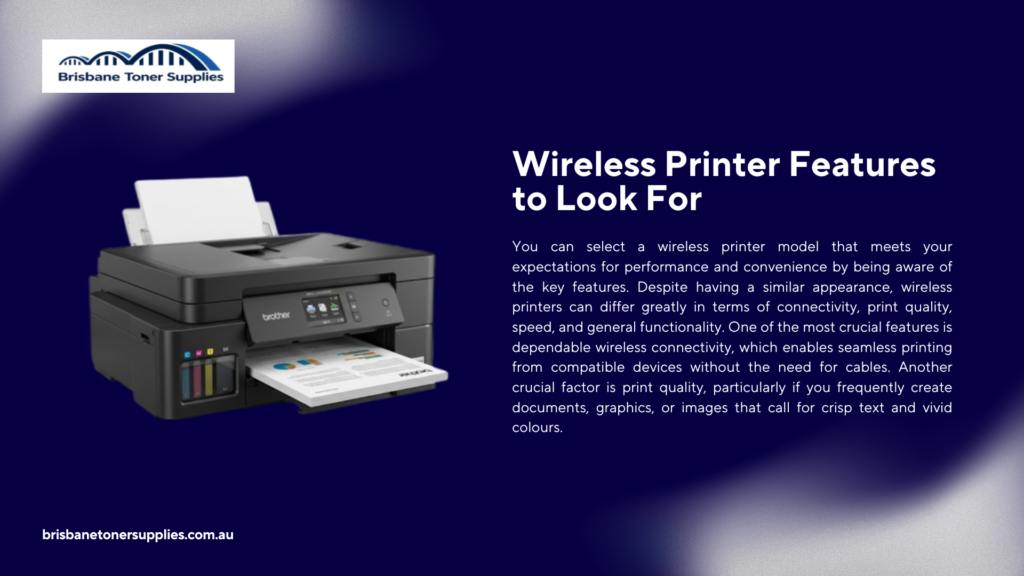
You can select a wireless printer model that meets your expectations for performance and convenience by being aware of the key features. Despite having a similar appearance, wireless printers can differ greatly in terms of connectivity, print quality, speed, and general functionality. One of the most crucial features is dependable wireless connectivity, which enables seamless printing from compatible devices without the need for cables. Another crucial factor is print quality, particularly if you frequently create documents, graphics, or images that call for crisp text and vivid colours. Print speed also matters, especially if you need documents ready quickly or print a lot. By printing on both sides of the paper, features like automatic duplex printing can increase productivity while lowering the amount of paper used. An all-in-one wireless printer with scanning and copying features can provide more versatility in a single device if you require extra functionality. It’s also important to see if the printer can connect to several devices without requiring complicated setup and supports mobile printing technologies. It is simpler to choose the wireless printer that offers the best value, performance, and convenience when these features are compared side by side. You can make a better decision and select a wireless printer that will satisfy your needs for many years to come by concentrating on the features that correspond with your printing preferences.
Choosing the Best Wireless Printer Based on Your Needs
The best wireless printer is the one that matches your printing habits, preferred features, and budget rather than simply having the highest price or the longest list of specifications. Before making a purchase, consider what you’ll be printing most often and which functions will provide the greatest value over time. If your priority is everyday printing, a reliable model with consistent performance and affordable operating costs may be the best choice. Those who frequently print photos should look for a wireless printer that delivers excellent color accuracy, sharp image quality, and support for high-resolution printing. If you’re working within a limited budget, many affordable wireless printers offer dependable performance without sacrificing essential features. For anyone who frequently prints presentations, graphics, or other colourful materials, a colour wireless printer is a sensible choice. Additionally, you should think about whether features like automatic copying, scanning, or duplex printing will improve the efficiency of your printing tasks. Selecting a printer model with stable wireless connectivity and support for multiple devices can increase convenience for all users. It’s simpler to avoid paying for pointless extras while making sure you get the features you’ll actually use when you compare various wireless printers according to your particular needs. You can select a wireless printer with confidence that offers dependable performance and long-term value by concentrating on how you intend to use it.
Common Mistakes to Avoid When Buying a Wireless Printer
In the long run, purchasing a wireless printer without comparing important features may result in needless costs and frustration. Selecting a printer only based on its purchase price without taking into account recurring expenses like ink or toner replacements is one of the most frequent mistakes. Additionally, since not all printers provide the same connectivity options or support for various devices, it’s crucial to avoid ignoring wireless compatibility. Paying for sophisticated features that you might never use is another error that can raise the total cost without offering much value. However, choosing a model with insufficient features could make you regret not purchasing a more powerful printer. Additionally, even though print quality and speed can have a big impact on the overall printing experience, many consumers overlook these aspects. Convenience may be diminished if automatic duplex printing or multi-device support are neglected, particularly if the printer will be used frequently. Another frequent mistake that can have an impact on the printer’s long-term performance and dependability is not checking the suggested monthly print volume. You can steer clear of these typical blunders by taking the time to evaluate features, operating costs, and specifications before making a purchase. You’ll be more likely to select a wireless printer that fulfils your needs, performs reliably, and offers long-term value if you make an informed choice.
Final Thoughts
Understanding your printing requirements and determining the features that are most important to you are the first steps in selecting the best wireless printer. Before making a choice, compare print quality, wireless connectivity, print speed, and long-term operating costs rather than just the purchase price. You can locate a wireless printer that offers dependable performance and good value over time by evaluating these factors. Features that can improve the convenience of daily printing, such as automatic duplex printing, mobile printing support, and device compatibility, should also be taken into account. With so many wireless printer models to choose from, it can be much simpler to narrow down your options according to your priorities. There is a wireless printer made to satisfy a variety of printing needs, whether you’re searching for an affordable model or one with cutting-edge features. You can make confident decisions and steer clear of typical purchasing blunders by carefully reading product details and comparing specifications. For many years to come, a well-selected wireless printer can provide consistent performance, increased flexibility, and a more seamless printing experience. You can choose a wireless printer model that meets your needs and budget by using this buying guide as a guide. Purchasing the appropriate wireless printer now will provide you with a dependable printing option that will serve your needs for many years to come.