


Printing is a regular part of everyday life for homes, schools, and businesses. From school assignments and office reports to business documents and marketing materials, the number of pages printed can add up quickly. While buying a printer is usually a one-time expense, the cost of ink, toner, and other supplies continues over time. This is why looking at the printer’s purchase price alone does not always show how affordable it is to use. Some printers are inexpensive to buy but require costly replacement cartridges, while others have a higher initial price but offer lower running costs. The amount you spend also depends on how often you print and whether your documents contain text, images, or colorful graphics. Even two printers from the same brand can have different operating costs because their cartridges and page yields may vary. Understanding the cost per page of printing helps you see how much money goes into producing each document. It also makes it easier to compare printer models, choose suitable cartridges, and plan your printing budget. Whether you use an inkjet, laser, or ink tank printer, knowing these costs can help you avoid unnecessary expenses. In this guide, we will explain how printing costs work, how to calculate them, and what you can do to make printing more affordable.
How Do You Calculate the Cost Per Page of Printing?

Calculating the cost per page of printing is easier than it may seem because you only need two main details: the cartridge price and its estimated page yield. The cartridge price tells you how much you spend on the printing supply, while the page yield shows approximately how many pages it can produce. Once you have these figures, divide the cartridge price by its estimated page yield to get the cost of printing one page. For example, if a black ink cartridge costs $30 and yields an estimated 300 pages, divide $30 by 300. This gives you an estimated printing cost of $0.10 per page. You can follow the same process when calculating toner cost per page for a laser printer. If your printer uses separate cartridges for cyan, magenta, yellow, and black, you should also consider the cost and yield of each color. This is important because different documents use different amounts of each color, meaning some cartridges may run out sooner than others. Keep in mind that the result is only an estimate because manufacturer page yields are based on standard testing conditions. Your actual printing expenses may change depending on the amount of text, images, and graphics on each page. If you want a more complete estimate, include paper, maintenance supplies, and other operating expenses in your calculations.
How Much Does Black and White Printing Cost Per Page?
Black and white printing is generally more affordable than color printing because it mainly uses black ink or toner to produce text and images. It is commonly used for school assignments, office reports, invoices, forms, and other documents that do not require colored details. However, the black-and-white printing cost per page is not the same for every printer. It depends on the price of the black cartridge, its estimated page yield, and the amount of printing material used for each document. For example, a cartridge that costs $25 and produces 500 pages has an estimated cost of $0.05 per page. A cartridge with a lower purchase price may still be more expensive to use if it produces fewer pages. Laser printers are often a practical option for users who regularly print large volumes of text because their toner cartridges can have high page yields. However, some inkjet printers can also provide affordable black-and-white printing, particularly models designed for frequent use. Another factor to consider is the amount of ink or toner required by each document. A page containing a few paragraphs will generally use less printing material than one filled with bold text, charts, and dark graphics. Printer settings can also affect the amount of ink or toner used, so choosing an appropriate quality setting is important. If most of your printing involves documents without color, comparing black cartridge prices and page yields can help you find a more economical option.
How Much Does Color Printing Cost Per Page?
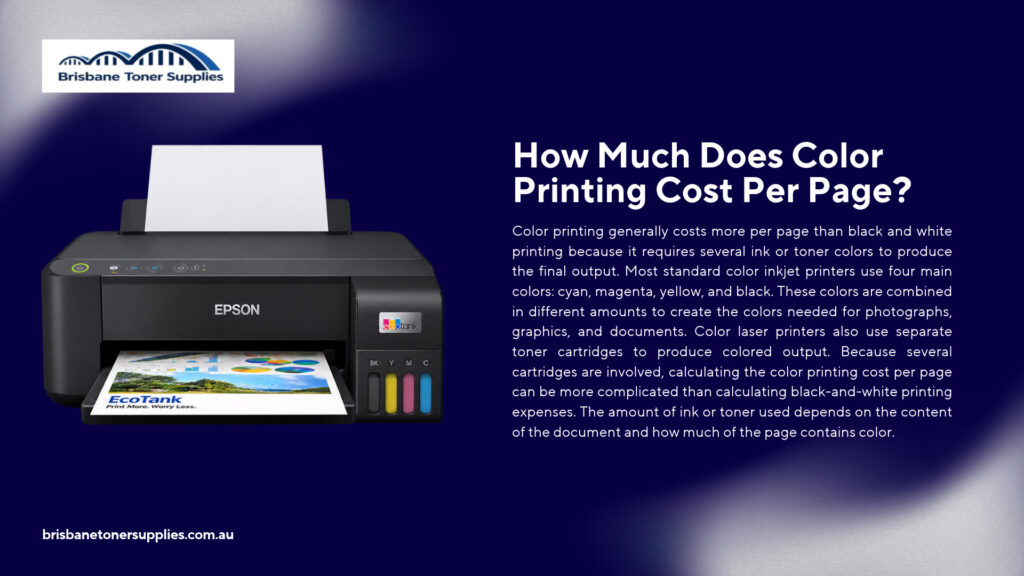
Color printing generally costs more per page than black and white printing because it requires several ink or toner colors to produce the final output. Most standard color inkjet printers use four main colors: cyan, magenta, yellow, and black. These colors are combined in different amounts to create the colors needed for photographs, graphics, and documents. Color laser printers also use separate toner cartridges to produce colored output. Because several cartridges are involved, calculating the color printing cost per page can be more complicated than calculating black-and-white printing expenses. The amount of ink or toner used depends on the content of the document and how much of the page contains color. For example, a document with a few colored headings may require less ink than a full-page photograph or detailed presentation. Printer settings also make a difference because higher-quality printing may use more printing material to produce sharper results. Some printers use individual color cartridges, allowing users to replace only the color that runs out. Other models use combined color cartridges or refillable ink tanks, which have different replacement and refill costs. To estimate your expenses, check the price and page yield of each cartridge or the manufacturer’s stated color page yield for the printer. It is also important to remember that color cartridges may not run out at the same time because different documents use different amounts of each color. Comparing these details can help you understand your actual printing expenses and choose supplies that fit your budget.
Which Printer Has the Lowest Cost Per Page?
The printer with the lowest cost per page depends on how often you print, the type of documents you produce, and the price of replacement supplies. There is no single printer that is the most affordable for every user because different models are designed for different printing needs. Monochrome laser printers are often a cost-effective choice for people who mainly print black and white documents. Their toner cartridges can produce many pages, making them suitable for offices and workplaces with regular printing requirements. On the other hand, users who frequently print photographs, colorful presentations, and school projects may prefer an ink tank printer. These printers use refillable ink reservoirs instead of traditional small cartridges, which can help lower the cost of producing each page. Color laser printers are another option for businesses that need consistent color printing and faster document production. Traditional cartridge-based inkjet printers may have higher running costs, although the actual amount depends on the model and its supplies. You should also consider the printer’s initial purchase price because a model with a low running cost may require a larger upfront investment. Looking at the price of replacement cartridges, ink bottles, and toner can give you a better idea of its long-term expenses. It is also useful to check whether the printer has separate cartridges, automatic maintenance features, and other functions that may affect supply usage. Before making a purchase, compare the estimated black and color printing costs of several models. Choosing a printer based on both its purchase price and operating expenses can help you get better value over time.
Is Inkjet or Laser Printing Cheaper Per Page?
Inkjet and laser printers have different printing technologies, so their costs per page can vary depending on the model and how they are used. Laser printers often have an advantage when printing large volumes of black-and-white documents because toner cartridges can produce many pages. This makes them a practical choice for offices that regularly print reports, invoices, contracts, and other text-based materials. Inkjet printers, however, are often preferred for photographs, colorful graphics, and documents that require detailed color output. Traditional inkjet cartridges may have higher replacement costs, but ink tank models offer a different and often more economical option. Their refill bottles can produce thousands of pages, depending on the printer model and printing conditions. When comparing inkjet and laser printing, you should look beyond the price of the printer itself. Consider the cost of replacement cartridges, toner, ink bottles, and the estimated page yield of each supply. Your monthly printing volume is also important because a printer that is affordable for occasional use may not be the best option for a business that prints hundreds of pages every week. You should also consider whether you regularly print black and white documents or need color output for presentations and images. For example, a small office that mainly prints text may benefit from a monochrome laser printer, while a household that frequently prints colorful school projects may prefer an ink tank model. Comparing the cost per page of specific printer models will give you a more accurate idea of which technology is cheaper for your needs.
How Can You Reduce Your Printing Costs?
Reducing printing expenses does not always mean purchasing a new printer or switching to a different brand. In many cases, changing a few printing habits can help you save ink, toner, and paper. Start by checking your printer settings before sending a document to print. Draft or economy mode can reduce printing material consumption when you do not need high-quality output. This setting is useful for internal documents, rough copies, and personal notes that do not require professional presentation. You can also select black and white printing for documents that do not need color. Another simple way to save money is to check the print preview before printing to avoid blank pages, unnecessary images, and formatting mistakes. If you regularly print large volumes, consider purchasing high-yield cartridges or using an ink tank printer with affordable refill bottles. However, always compare the price and estimated page yield before choosing replacement supplies. Proper printer maintenance is also important because clogged printheads, incorrect settings, and printing problems can lead to wasted supplies. Follow the manufacturer’s cleaning instructions instead of running unnecessary cleaning cycles, as these may consume additional ink. You should also use the correct paper type and print quality settings for each document to avoid wasting materials. By making these changes, you can manage your printing budget while keeping your documents clear and readable.
Final Thoughts
Understanding the cost per page of printing is important when choosing a printer and managing your everyday printing expenses. The purchase price of a printer or cartridge does not always show how much you will spend over time. By checking cartridge prices and estimated page yields, you can calculate how much it costs to produce each printed page. Black and white printing is generally more affordable than color printing, while laser printers and ink tank models can provide good value for different printing needs. However, the most cost-effective option depends on your printing volume, document type, and preferred print quality. A monochrome laser printer may be suitable for offices that mainly produce text documents, while an ink tank printer may be a better choice for users who regularly print color materials. It is also important to consider replacement supplies, maintenance, and other operating expenses when comparing different models. Small changes, such as using draft mode, checking print previews, and avoiding unnecessary color printing, can also help reduce your expenses. Before purchasing a printer, take time to compare its estimated running costs instead of focusing only on its initial price. This will help you choose a printer that matches your needs and budget. With the right equipment and proper printing habits, you can save money and get more value from every page you print.