


Finding the best printer for teachers can make preparing classroom materials much easier. Teachers often need to print worksheets, quizzes, lesson plans, activity sheets, and other materials on a regular basis. Because of this, a printer that works well for occasional home use may not always be the best choice for classroom work. The cost of ink is also something teachers should consider, especially if they print a lot every week. Some printers are affordable to buy but can become expensive once you start replacing ink or toner regularly. Others may cost more upfront but offer lower printing costs in the long run. Features like wireless printing, automatic duplex printing, scanning, and copying can also make everyday tasks more convenient. Color printing may be important for teachers who create visual worksheets, charts, flashcards, and other learning materials. Meanwhile, teachers who mostly print text may prefer a fast and reliable black-and-white printer. In this guide, we’ll look at the best printers for teachers based on price, ink cost, printing volume, features, and classroom use. Whether you need a budget-friendly option or a printer that can handle hundreds of pages, there is a model that can fit your needs.
Best Printers for Teachers at a Glance
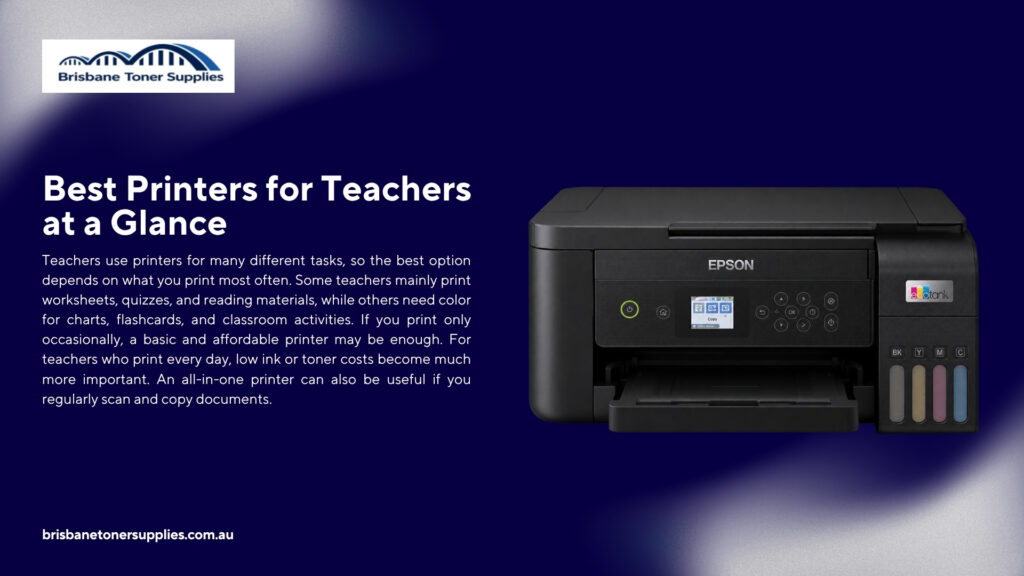
Teachers use printers for many different tasks, so the best option depends on what you print most often. Some teachers mainly print worksheets, quizzes, and reading materials, while others need color for charts, flashcards, and classroom activities. If you print only occasionally, a basic and affordable printer may be enough. For teachers who print every day, low ink or toner costs become much more important. An all-in-one printer can also be useful if you regularly scan and copy documents. Wireless printing is another useful feature because it lets you print from a laptop, tablet, or phone. For mostly black-and-white documents, a monochrome laser printer can be a practical choice because it is fast and efficient for larger print jobs. For frequent color printing, refillable ink-tank printers can help keep ink costs lower. When choosing a printer, consider print quality, speed, running costs, connectivity, and the type of documents you print most often. The goal is to find a printer that makes your regular teaching work easier without costing too much to maintain.
Important Features to Look for in a Classroom Printer
A classroom printer should be convenient enough to use regularly without creating extra work. One of the most useful features is automatic duplex printing because it allows you to print on both sides of the paper. This can be helpful for worksheets, reading materials, and longer documents. Wireless connectivity is also useful because teachers often work across laptops, tablets, and phones. An automatic document feeder can save time when scanning or copying several pages. Print speed becomes important when you need to prepare materials for multiple students at once. Paper capacity is another feature to check if you regularly print large batches. Teachers who create visual learning materials should also look for good color printing. Low ink or toner costs are especially important because classroom printing can add up quickly. An all-in-one design can also be useful if you regularly scan or copy school documents. By focusing on the features you will actually use, you can avoid paying extra for things that may not make much difference in your daily teaching routine.
Best Printer for Teachers Based on Your Needs
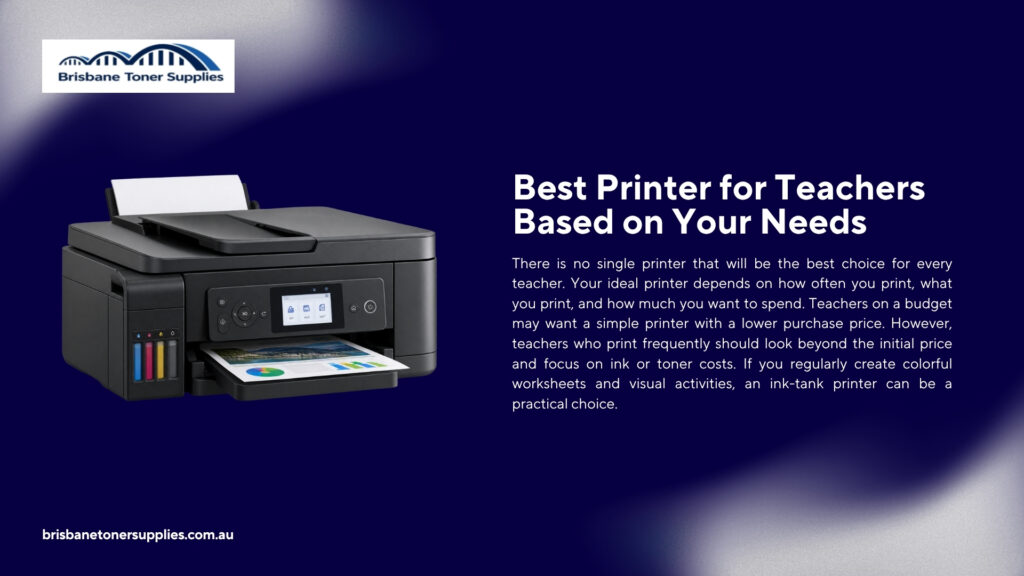
There is no single printer that will be the best choice for every teacher. Your ideal printer depends on how often you print, what you print, and how much you want to spend. Teachers on a budget may want a simple printer with a lower purchase price. However, teachers who print frequently should look beyond the initial price and focus on ink or toner costs. If you regularly create colorful worksheets and visual activities, an ink-tank printer can be a practical choice. If your work is mostly black-and-white, a laser printer may offer the speed and running costs you need. Teachers who scan and copy documents regularly can benefit from an all-in-one model. A compact printer may also be better for teachers who work from a small home office. For heavy printing, look for high page yields, faster print speeds, and a larger paper tray. Wireless printing is useful for almost any teacher because it makes sending documents to the printer easier. Thinking about your own teaching routine first will make it much easier to narrow down the many printer options available.
Printer Buying Guide for Different Teaching Situations
Teachers do not all use their printers in the same way, so your teaching situation should influence your choice. An elementary teacher may need more color materials, flashcards, and visual activities than a teacher who mainly prepares text-based worksheets. A high school teacher may prioritize fast printing for quizzes, exams, and reading materials. Teachers working from home may care more about a compact design and wireless printing. Teachers with several classes may need a larger paper tray and lower cost per page. If you only print occasionally, there is little reason to buy a high-volume printer. If you print every day, investing in a printer with refillable ink or high-yield toner can make more sense. Teachers who scan and copy frequently should also consider an all-in-one model. It is helpful to think about the type of materials you prepare most often before looking at specific models. This makes it easier to choose a printer that fits your routine instead of one that simply looks good on paper.
How Much Does a Teacher Need to Print?
There is no fixed number of pages that every teacher needs to print because workloads can vary from one classroom to another. Some teachers may only print a few worksheets each week, while others may prepare materials for several classes every day. Elementary teachers may need more printed activities, coloring sheets, flashcards, and visual materials. High school and college teachers may print more exams, handouts, reading materials, and lesson plans. Teachers who handle multiple classes can easily go through hundreds of pages in a month. The type of printer you need should therefore depend on your usual printing habits. If you only print occasionally, a basic printer may be enough for your needs. If you print several times a week, it is worth looking for a printer with affordable ink or toner. Teachers with very high printing volumes should consider models with high page yields, faster print speeds, and larger paper trays. It is also a good idea to think about whether most of your printing is in color or black and white. Once you have a rough idea of how much you print, it becomes easier to choose a printer that can handle your workload without unnecessary costs.
How to Save Money on Classroom Printing
Classroom printing can become expensive when you print regularly throughout the school year. The good news is that you do not always need to reduce the number of materials you print to save money. One of the biggest things you can do is choose a printer with affordable ink or toner. If you print often, refillable ink tanks or high-yield cartridges can help reduce how frequently you need to buy supplies. Printing on both sides of the paper is another simple way to use less paper. You can also choose black-and-white printing when color is not necessary for the material. Using standard or draft quality for simple documents can help reduce ink use as well. It is also worth checking your documents before printing so you do not accidentally print blank pages or unnecessary sections. Buying paper in larger packs may also lower the cost per sheet. Regular printer maintenance can help prevent wasted ink caused by poor print quality or repeated failed prints. Small changes may not seem like much at first, but they can add up when you are printing materials throughout the entire school year.
Final Thoughts
The best printer for teachers depends on how much you print and what you normally use your printer for. There is no single model that will work perfectly for every classroom or teaching setup. Teachers who print a lot of black-and-white documents may prefer a laser printer because of its speed and practical document printing. Teachers who regularly create colorful worksheets and activities may be better off with a refillable ink-tank printer. Those who want to keep their initial spending low can look at budget-friendly cartridge models for lighter printing. If you regularly scan and copy documents, an all-in-one printer can make everyday tasks much easier. Teachers who work from home may also want wireless printing and a compact design. For heavy printing, focus on page yield, print speed, paper capacity, and the cost of replacement supplies. The most important thing is to look beyond the printer’s purchase price and consider how much it will cost to use throughout the school year. A good printer should make preparing classroom materials easier without becoming another expensive item to maintain. Take the time to compare your printing habits with the features and running costs of each option before making your final choice.