
Choosing the best label printer for a small business can make everyday tasks easier and help your products look more professional. Whether you sell products online, run a small retail shop, or make items at home, the right printer can save time when preparing labels. You can use it to print shipping details, product information, barcodes, and packaging labels without relying on an outside printing service. However, the best option depends on the type of business you operate and how often you print. Some printers are designed for handling large numbers of shipping labels, while others are better suited for product packaging and colorful designs. Your available workspace and budget are also worth considering before making a purchase. Thermal printers are popular among small businesses because many models work without ink or toner. Other printers may be more suitable if your labels need colorful graphics or detailed branding. You should also check whether the printer supports your preferred label sizes and works with your existing devices. Comparing these features can help you avoid paying for functions you rarely use. This guide explores different label printer options, common business applications, and the features worth checking before you buy.
What Is the Best Label Printer for Small Business?
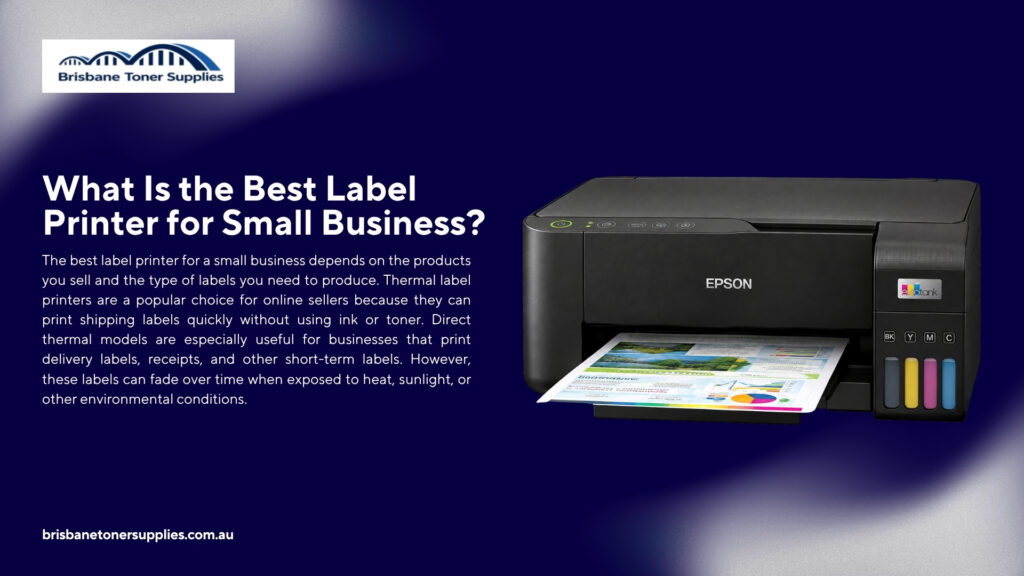
The best label printer for a small business depends on the products you sell and the type of labels you need to produce. Thermal label printers are a popular choice for online sellers because they can print shipping labels quickly without using ink or toner. Direct thermal models are especially useful for businesses that print delivery labels, receipts, and other short-term labels. However, these labels can fade over time when exposed to heat, sunlight, or other environmental conditions. Thermal transfer printers use a ribbon to create more durable labels, making them useful for product identification and inventory tracking. If your business relies on colorful packaging or detailed product designs, an inkjet label printer may be a better option. These printers can produce vibrant graphics that help products stand out on shelves. For businesses that mainly need black-and-white shipping labels, a basic thermal model may provide everything necessary. Retail shops may prefer a printer that handles different label formats for prices, barcodes, and stock identification. Before choosing a model, check its printing speed, supported label sizes, and compatibility with your existing software. It is also helpful to read reviews from business owners who use their printers for similar tasks. Rather than looking for one printer that does everything, focus on finding a model that handles your most important labeling needs well.
How Small Businesses Use Label Printers
Once you know how your business will use a label printer, the next step is to compare its features. Start with label size because some printers only support specific widths and formats. Check whether the model can handle the labels you already use or plan to purchase. Print resolution is another important factor, especially when your labels contain small text, logos, or detailed barcodes. A printer with suitable resolution helps keep information readable and makes scanning easier when barcodes are involved. Printing speed also matters if you regularly prepare many orders at once. Businesses with a low printing volume may be comfortable with a basic model, while busier operations may need equipment designed for frequent use. You should also consider connectivity, including USB, Wi-Fi, or Bluetooth, depending on how you plan to print. Some models work with smartphones and tablets, while others are designed mainly for computers. Software compatibility is equally important because the printer should work with your shipping platform, inventory system, or label design application. Check whether the setup process is straightforward and whether replacement labels or other supplies are easy to find. Finally, compare the purchase price with the ongoing cost of labels, ribbons, ink, and maintenance. These details will help you choose a printer that fits your workflow without paying for unnecessary features.
What to Look for in a Small Business Label Printer
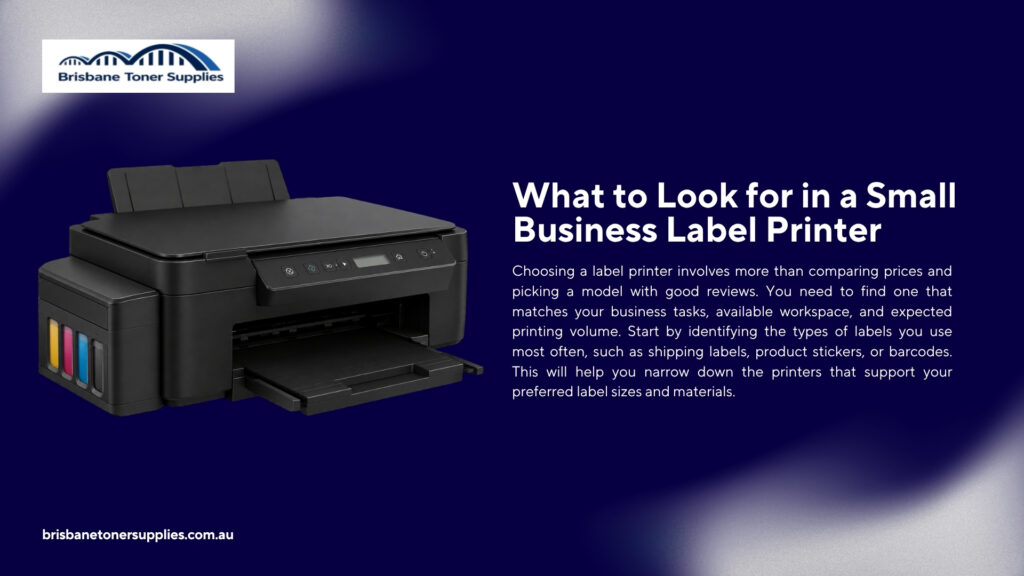
Choosing a label printer involves more than comparing prices and picking a model with good reviews. You need to find one that matches your business tasks, available workspace, and expected printing volume. Start by identifying the types of labels you use most often, such as shipping labels, product stickers, or barcodes. This will help you narrow down the printers that support your preferred label sizes and materials. Printing technology is another important factor because thermal, inkjet, and other printers have different strengths and running costs. You should also consider print quality, especially if your labels contain small text, logos, or barcodes. Connection options matter when you need to print from a computer, tablet, or smartphone. Some businesses can work perfectly well with a basic USB model, while others benefit from wireless connectivity. Software compatibility is equally important because the printer needs to work with your order management system or label design program. It is also worth checking how easy the printer is to set up, load, and maintain. Look beyond the initial purchase price and consider the ongoing cost of labels, ink, ribbons, and replacement parts. A printer with useful features and reasonable running costs may offer better value over time. By comparing these factors, you can choose a model that supports your daily operations without stretching your budget.
Is It Worth Buying a Label Printer for a Small Business?
Once you know how your business will use a label printer, the next step is to compare its features. Start with label size because some printers only support specific widths and formats. Check whether the model can handle the labels you already use or plan to purchase. Print resolution is another important factor, especially when your labels contain small text, logos, or detailed barcodes. A printer with suitable resolution helps keep information readable and makes scanning easier when barcodes are involved. Printing speed also matters if you regularly prepare many orders at once. Businesses with a low printing volume may be comfortable with a basic model, while busier operations may need equipment designed for frequent use. You should also consider connectivity, including USB, Wi-Fi, or Bluetooth, depending on how you plan to print. Some models work with smartphones and tablets, while others are designed mainly for computers. Software compatibility is equally important because the printer should work with your shipping platform, inventory system, or label design application. Check whether the setup process is straightforward and whether replacement labels or other supplies are easy to find. Finally, compare the purchase price with the ongoing cost of labels, ribbons, ink, and maintenance. These details will help you choose a printer that fits your workflow without paying for unnecessary features.
Final Thoughts
Finding the best label printer for small business use starts with understanding what you need to print and how often you will use the machine. Thermal printers are often a practical option for shipping labels, while thermal transfer models can suit applications that require more durable labels. Businesses that depend on colorful product designs may prefer an inkjet label printer instead. It is also important to choose a model that supports your required label sizes and works with your existing devices and software. If you operate from a small workspace, consider a compact model that fits comfortably beside your packing or production area. Wireless connectivity can also be useful if you need to print from different devices. Before making a purchase, compare the printer’s price, supported materials, printing speed, and ongoing supply costs. Reading reviews from businesses with similar labeling needs can help you understand how a model performs in everyday use. You do not necessarily need the most expensive printer to get reliable results. A basic model may be enough for a new business with a small number of orders, while a growing operation may benefit from faster printing and additional features. Taking the time to compare your options can help you avoid unnecessary expenses and choose equipment that fits your workflow. Ultimately, the right label printer should make labeling easier, keep information clear, and support your business as it grows.