


Keeping your printer in good condition is important if you want it to work properly and last longer. Whether you use it for school, work, or business, regular maintenance can help prevent common problems that affect its performance. Over time, dust, dried ink, paper residue, and worn-out parts can cause issues such as paper jams, faded prints, and printing errors. These problems can interrupt your tasks and lead to unnecessary repair or replacement costs. Fortunately, maintaining your printer does not have to be difficult or expensive. Simple habits like cleaning the exterior, checking ink or toner levels, and using the correct paper can help keep your equipment working properly. It is also important to place your printer in a clean, dry, and well-ventilated area to protect its components. If you own an inkjet printer, using it regularly can help reduce the risk of dried ink blocking the printhead nozzles. For laser printers, checking toner cartridges and following the recommended maintenance schedule can help maintain print quality. You should also pay attention to warning messages and unusual changes in your printer’s performance. Taking care of small issues early can prevent them from becoming bigger problems. With the right maintenance routine, you can reduce wasted ink, toner, and paper while keeping your printer ready whenever you need it. You do not need advanced technical skills to perform basic cleaning and maintenance tasks. What matters most is knowing which steps to follow and how often to do them. In this guide, we will cover practical printer maintenance tips, from cleaning printer heads to preventing ink from drying out. These simple steps can help you maintain your printer’s condition, improve its performance, and extend its useful life.
What Are the Best Ways to Maintain a Printer?

Keeping your printer in good condition starts with regular cleaning and proper handling. First, turn off and unplug your printer before cleaning its exterior. Use a soft, dry, lint-free cloth to remove dust and dirt from the surface. Avoid spraying water or cleaning products directly onto the machine because moisture can damage its electrical components. You should also check the paper tray and make sure the sheets are clean, dry, and properly aligned. Using the wrong paper size or damaged sheets can lead to paper jams and feeding problems. Always choose compatible ink cartridges or toner recommended for your printer model. Keep your printer away from dusty areas, direct sunlight, and excessive heat. Make sure there is enough space around the machine for proper ventilation. You should also check for driver and software updates through the manufacturer’s official website. If a paper jam occurs, follow the printer’s instructions and remove the paper gently to avoid damaging internal parts. Pay attention to unusual noises, warning messages, and changes in print quality so you can address possible problems early. Avoid placing heavy objects or liquids near your printer because they may damage its exterior or internal components. When you finish printing, follow the recommended shutdown process instead of suddenly disconnecting the power. These simple habits can help keep your printer clean, reliable, and ready to use.
How Often Should You Clean and Maintain Your Printer?
The frequency of printer maintenance depends on how often you use the machine and the type of printer you own. Printers used daily may need more frequent cleaning and inspection than those used occasionally. As a basic routine, wipe the exterior and check the paper tray at least once a week. You can also inspect accessible areas for dust, paper scraps, or other visible dirt. Once a month, check the ink or toner levels, review available software updates, and inspect the printer for signs of wear. If you notice faded prints, missing lines, or uneven colours, perform a nozzle check or use the recommended cleaning function for your model. Avoid running cleaning cycles without a clear reason because they may waste ink. Laser printers should also be checked for toner residue and signs that replaceable parts need attention. Always follow the maintenance schedule provided in your printer manual because recommended cleaning methods vary by model. If you rarely use an inkjet printer, printing a small test page occasionally can help you monitor its print quality. Do not attempt to clean sensitive internal components unless the manufacturer provides instructions for doing so. Keeping a simple maintenance schedule makes it easier to remember important tasks and identify problems before they become serious. You should also check the printer’s warning messages because some models provide reminders when maintenance is needed. With regular care, you can maintain consistent print quality and reduce unnecessary repairs.
How Do You Clean Printer Heads?
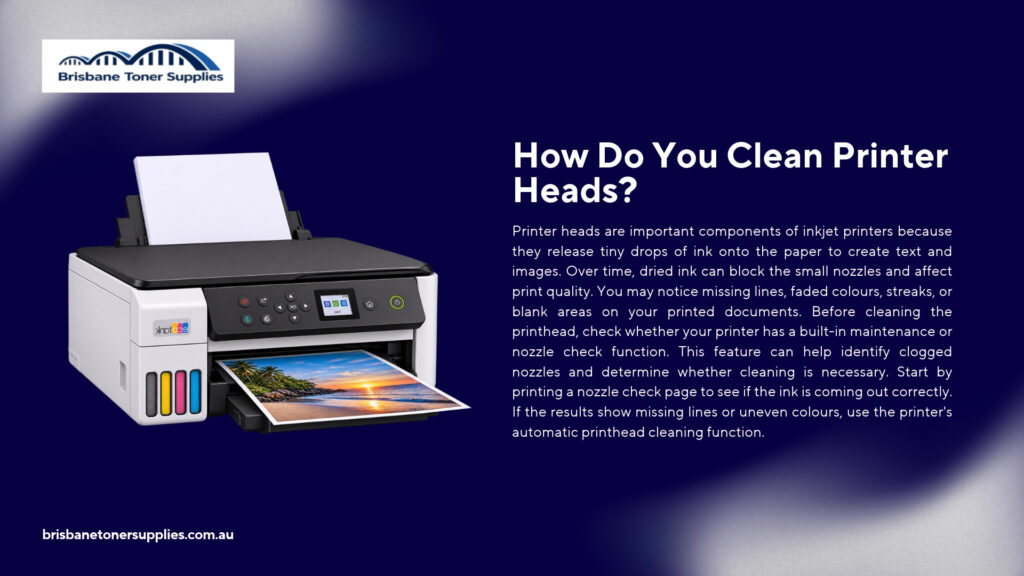
Printer heads are important components of inkjet printers because they release tiny drops of ink onto the paper to create text and images. Over time, dried ink can block the small nozzles and affect print quality. You may notice missing lines, faded colours, streaks, or blank areas on your printed documents. Before cleaning the printhead, check whether your printer has a built-in maintenance or nozzle check function. This feature can help identify clogged nozzles and determine whether cleaning is necessary. Start by printing a nozzle check page to see if the ink is coming out correctly. If the results show missing lines or uneven colours, use the printer’s automatic printhead cleaning function. You can usually access this option through the printer’s control panel or software on your computer. After the cleaning cycle, print another nozzle check page to compare the results. If the problem continues, follow the manufacturer’s instructions before attempting another cleaning cycle. Avoid running the cleaning function repeatedly because it consumes ink and may not solve every problem. Never touch the printhead nozzles or electrical contacts with your fingers because dirt and oils can affect their performance. Some printer models have removable printheads, while others require professional servicing. Do not use alcohol, water, or other cleaning solutions unless the manufacturer specifically recommends them. Proper printhead cleaning can help restore print quality and prevent unnecessary ink waste.
How Can You Prevent Printer Ink from Drying Out?
Printer ink can dry around the printhead nozzles when an inkjet printer is left unused for an extended period. This can lead to clogged nozzles, faded prints, and uneven colours when you start printing again. One simple way to reduce this problem is to use your printer regularly. You can print a small test page every week or follow the usage recommendations in your printer manual. The test page can include black text and coloured elements to check whether the ink is flowing properly. You do not need to print large documents just to keep your printer active. It is also important to store ink cartridges properly before installing them. Keep unused cartridges sealed in their original packaging until you are ready to use them. Store them in a cool, dry place and follow the temperature recommendations provided by the manufacturer. Avoid leaving cartridges exposed to air or direct sunlight because improper storage may affect ink quality. If your printer has an automatic maintenance feature, allow it to perform its recommended cleaning functions. When you notice faded prints or missing colours, run a nozzle check before using the printhead cleaning function. Avoid turning the printer off by unplugging it because some inkjet models need to complete a proper shutdown cycle. Following these practices can help reduce ink-related problems and maintain consistent printing quality.
How Can You Make Your Printer Last Longer?
Extending your printer’s lifespan starts with using it correctly and avoiding habits that may damage its components. Always use paper that matches your printer’s recommended size and weight. Keep the paper dry and store unused supplies in a clean area away from direct sunlight. Avoid overloading the paper tray because this can affect how sheets move through the machine. When a paper jam happens, remove the stuck sheets carefully instead of pulling them forcefully. You should also replace ink and toner cartridges with compatible supplies to maintain reliable printing performance. For inkjet printers, avoid leaving the machine unused for long periods because dried ink may block the printhead nozzles. For laser printers, monitor the toner cartridge and other replaceable parts based on the manufacturer’s recommendations. Keep the printer in a stable location with enough space for proper ventilation. Regularly check for warning messages and address them according to the manufacturer’s instructions. When you finish printing, use the recommended shutdown process instead of suddenly disconnecting the power. Avoid attempting repairs on sensitive internal parts without proper knowledge or instructions. If your printer continues to show errors, produces poor-quality prints, or makes unusual noises despite basic maintenance, consider having it checked by a qualified technician. You should also install recommended software and firmware updates to maintain compatibility and performance. By following these habits, you can reduce unnecessary wear, prevent common printing issues, and keep your printer working properly for longer.
Final Thoughts
Maintaining your printer does not have to be difficult or time-consuming. With regular cleaning, proper handling, and the right printing supplies, you can prevent many common problems and keep your equipment working properly. Simple habits such as removing dust, checking paper quality, monitoring ink or toner levels, and keeping your printer in a suitable location can make a big difference. It is also important to understand the specific maintenance requirements of your printer because inkjet and laser models use different technologies. If you use an inkjet printer, remember to print occasionally to help reduce the risk of dried ink blocking the printhead. For laser printers, check the toner cartridge and other replaceable parts to maintain consistent print quality. Do not ignore warning messages, paper jams, or unusual changes in how your printer works, as these may be signs that it needs attention. Addressing small issues early can help prevent more serious problems and unnecessary repair costs. You should also use compatible ink, toner, and paper to avoid issues caused by unsuitable supplies. Most importantly, make printer maintenance part of your regular routine instead of waiting for something to go wrong. You do not need to spend hours caring for your equipment, as a few simple checks can help keep it in good condition. Whether you use your printer at home, school, or work, proper maintenance can save time, reduce wasted supplies, and improve its overall performance. By following these printer maintenance tips, you can keep your printer reliable, extend its useful life, and get better results every time you print.